

In this tutorial, you will learn how to save and share your finished designs on your mobile device.
For this, you will need a completed embroidery design that you want to export. If you don’t have one yet, feel free to get inspired by our embroidery tutorials!
Here you can download the tutorial in PDF-format:
- Start your project and wait until it is fully unfolded. Otherwise the pattern will be incomplete.
- Tap back and press the share button.

- Share your embroidery-file via e-mail or save it to your phone.
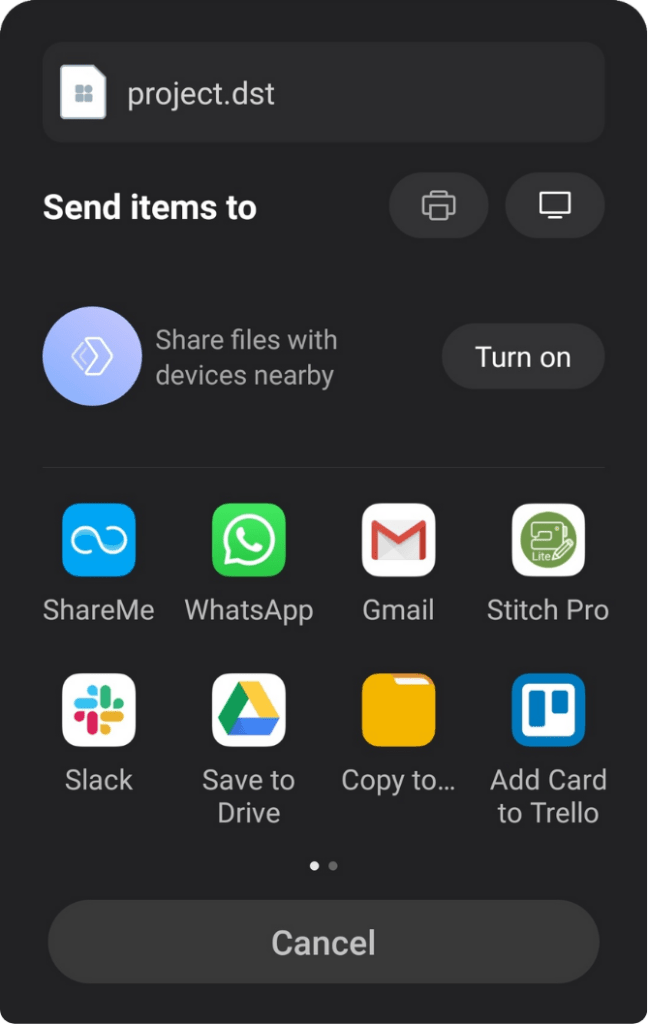
The share-function may look slightly different on every phone.
Your embroidery-design will be saved as DST-file.
The embroidery machine knows this file format and completes your design on your fabric.
You must be logged in to post a comment.