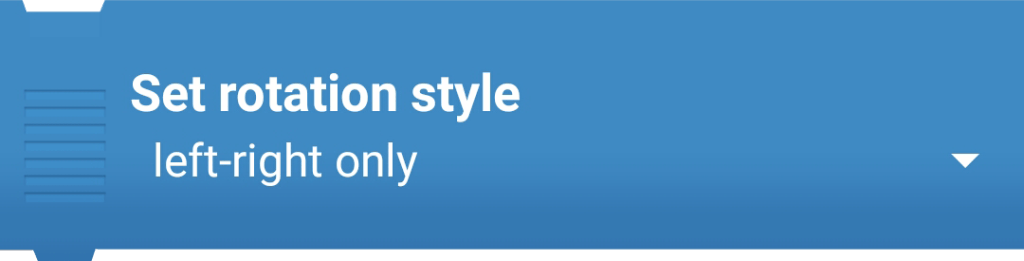
Changes how the object rotates (all-around, left-right only, or don’t rotate). It’s like deciding if your character can turn all the way around, just flip left and right, or not rotate at all.

Changes how the object rotates (all-around, left-right only, or don’t rotate). It’s like deciding if your character can turn all the way around, just flip left and right, or not rotate at all.
You must be logged in to post a comment.