

Motion Bricks are used to set the position, direction, movement, and physics of objects. Position is set with a coordinate system similar to the Cartesian Plane, wherein the x and y axes run along the center of the screen. Direction is set with the specified amount of degrees. Movement is set using steps/second, where steps refers to the distance traveled by a sprite along the x or y axes. The physics engine, meanwhile, applies friction, gravity, and varying motion styles to different objects.





















Articles
- Change X by
- Change Y by
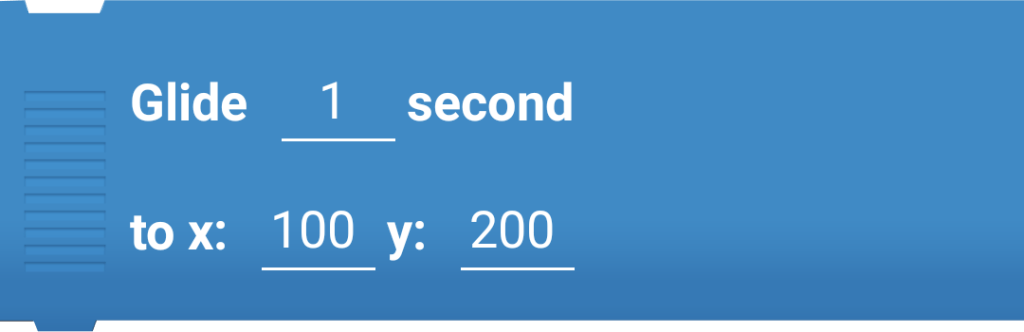
- Glide … second to
- Go back … layer
- Go to
- Go to front
- If on edge, bounce
- Move … steps
- Place at
- Point in direction … degrees
- Point towards
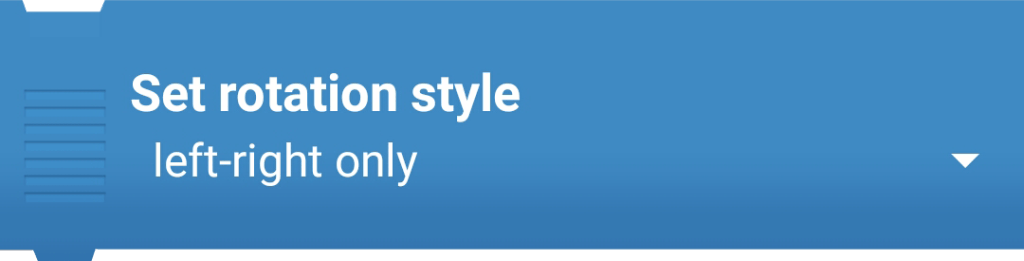
- Set rotation style
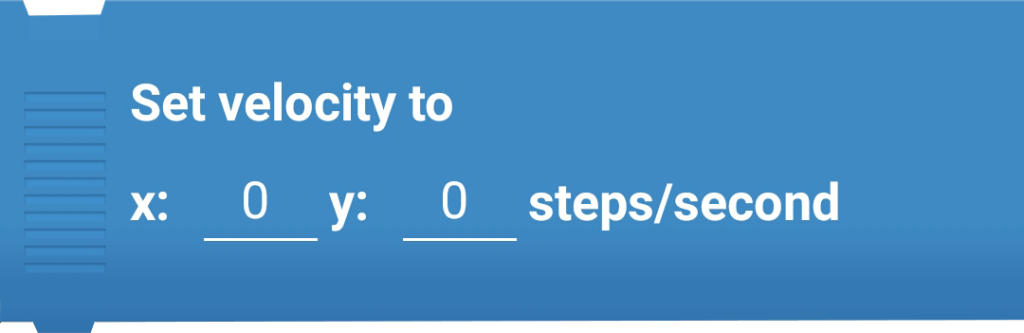
- Set velocity to
- Set X to
- Set Y to
- Set your motion type to …
- Spin left … degrees/second
- Spin right … degrees/second
- Turn left … degrees
- Turn right … degrees
- Vibrate for … second
- When you bounce off …
- Set bounce factor to …%
- Set friction to …%
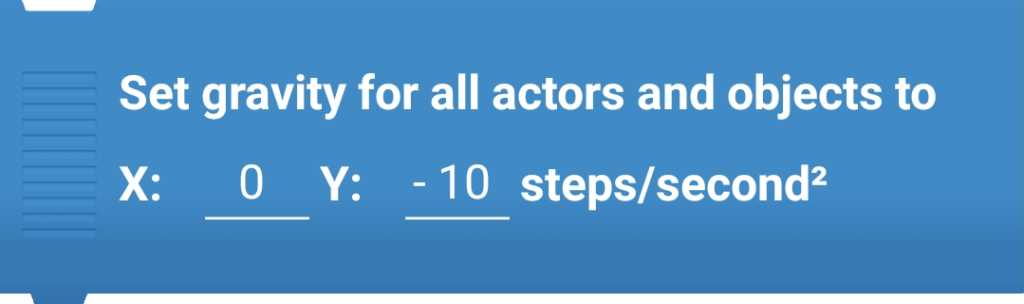
- Set gravity for all actors and objects to …
- Set mass to … kilogram
You must be logged in to post a comment.