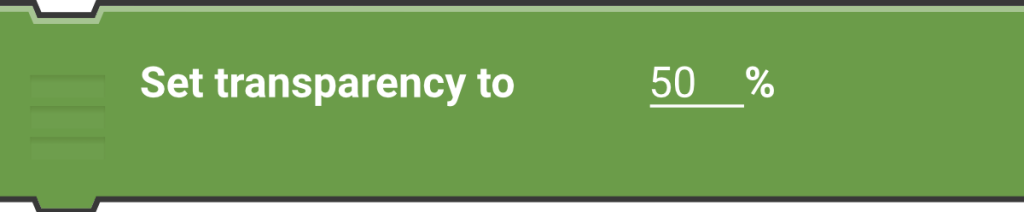
This brick sets how transparent an actor is, with 0% being fully opaque and 100% being fully transparent. It’s like adjusting the opacity of an image.

This brick sets how transparent an actor is, with 0% being fully opaque and 100% being fully transparent. It’s like adjusting the opacity of an image.
You must be logged in to post a comment.